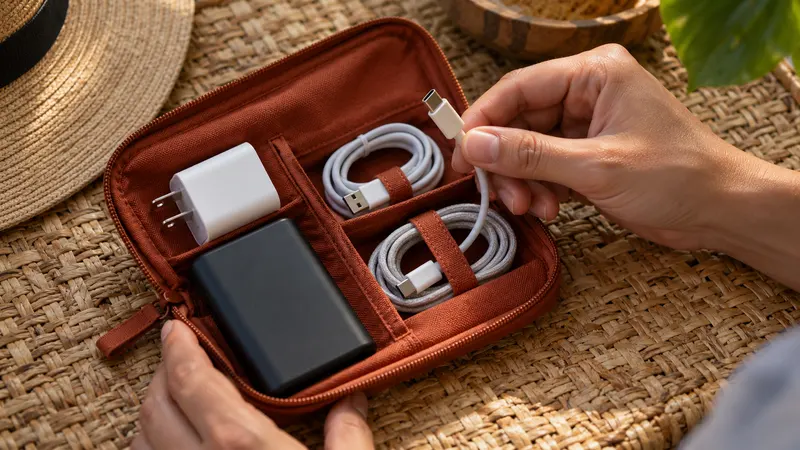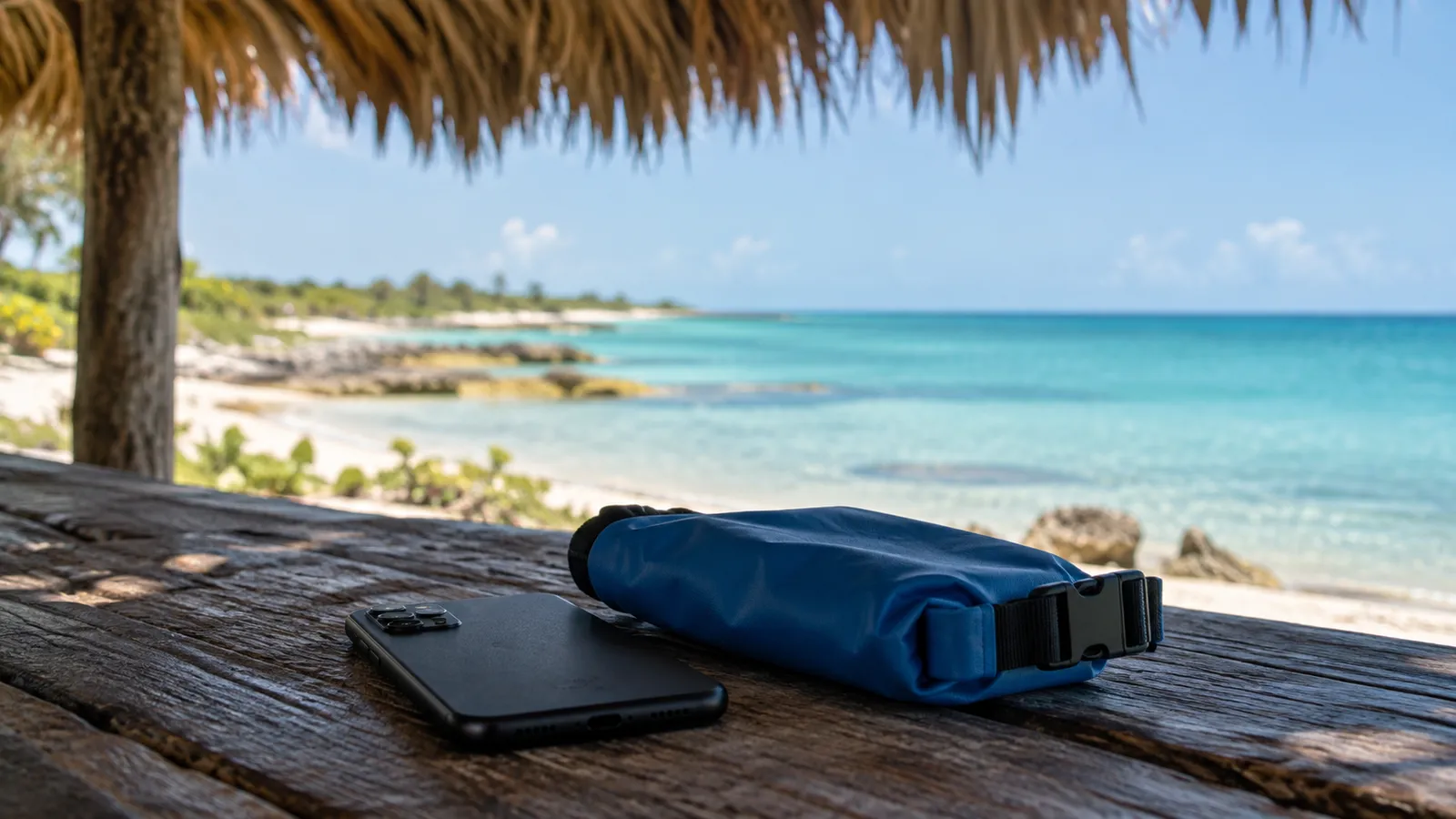
During a day in Yucatán, your phone might navigate in the sun, record video and then charge inside a bag. Before asking it to do everything at once, think about where it can rest in the shade and how you will store it if rain arrives.
Avoid building up heat
Do not leave the phone on a car dashboard or a sunny table. When navigating, choose a position that does not expose it to direct sunlight for the entire drive. A ventilated, shaded place is a better setting for a long call or download than a closed bag.
Apple explains that excessive heat can dim the display, limit features or interrupt charging. Recommended conditions are device-specific, so check your own manufacturer’s guidance. A screen becoming dim does not necessarily mean the phone has failed.
If a temperature warning appears, stop using the device and follow its cooling instructions. Do not try to speed things up with ice, a freezer or water. Save essential information beforehand in case the phone needs to be switched off for a while.
Make a plan before approaching water
Before a beach or cenote visit, decide who will look after belongings and where the phone will stay. A protective pouch depends on a sound seal and use within its manufacturer’s conditions. A water-resistance label is not permission for every kind of immersion.
Test a pouch closure without the phone inside rather than trying it for the first time with your device. Keep the charging cable and power bank dry too. If you intend to put the phone away, agree a meeting point and time with your companions first.
Respond to moisture alerts
When a liquid warning appears, disconnect accessories and consult the model’s instructions. Apple’s connector guidance recommends airflow and warns against rice, external heat and inserting objects into the port. Do not ignore an alert simply because you want a quick charge.
A dry exterior does not establish that the charging connector is ready. If the warning persists or you see damage, seek authorised support. Avoid improvised attempts to clean the port with whatever tool happens to be available.
Do less in the sun
- Download maps and files before leaving
- Back up photographs once you are settled with a good connection
- Keep a minimal paper note so everything does not depend on the screen
- Put the phone away during breaks in a dry, ventilated place
Add a sensible charging kit to your preparation. Extra power is useful, but continuing to charge a hot or damp device can make the problem worse.