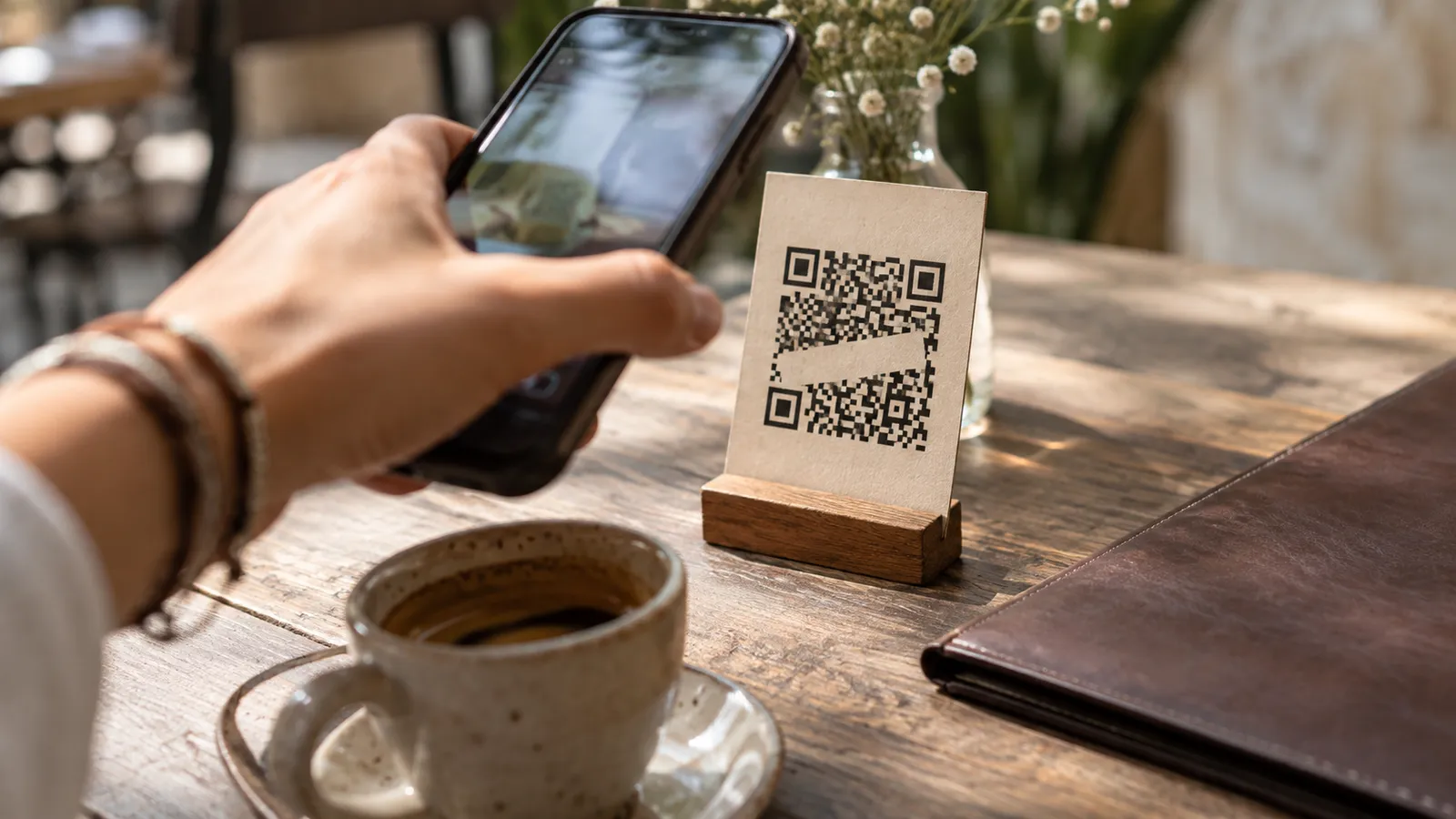
You scan a code to read a menu and reach a page asking you to register or install an app. Before continuing, return to the original task: you wanted some information. Ask whether there is another way to open it and decide whether the request makes sense.
Look before opening
Use your phone’s camera or built-in reader when available. Inspect the destination it shows before following it. A code contains a destination or action; its appearance does not tell you who created it or whether it belongs on that sign.
The FTC documents replaced codes and misleading links. If a sticker looks overlaid or the destination seems unexpected, ask staff. This is a general precaution, not a claim that a particular Mérida business has a problem.
Ask for the information you need
For a menu, request a printed version, a written website address or an explanation of the options. Not everyone has mobile data, an available camera or an easy time reading a small screen. Asking for an alternative is a practical way to continue.
If the page is a PDF, open it in a familiar viewer and check that it belongs to the venue. Avoid installing an unknown reader from a pop-up. An information page also should not need a password you use for an unrelated service.
Separate the code from the final action
Scanning, opening a page, downloading a file and authorising a payment are different steps. Read each screen before proceeding. A QR code may also configure Wi-Fi or trigger another function. Do not approve contacts, location or other permissions that you do not understand.
Before paying, confirm the recipient and purpose with the business. Do not rely on a code from an old post when staff describe a different process. If a subscription appears during something you thought was a one-off task, stop and establish why.
When something seems wrong
- Close the page without entering more information
- Open the official site through a known route
- Ask the establishment’s staff about the code
- Review anything downloaded or installed before continuing
Opening a link alone does not prove your data was stolen. If you entered credentials or payment details, address those accounts through their official channels. Our booking-link guide gives a fuller checking process when a message demands money or threatens to cancel a service.