You have two mobile lines installed. Now decide what each should do. During a Mérida stay, you might use one for data and keep the other available for existing contacts. Check the actual settings rather than guessing from the signal bars.
Label the lines by purpose
Names such as “Mexico data” and “Usual number” are easier to understand than “Primary” and “Secondary”. Check which line supplies data, which number is the default for calls and which line an existing contact uses when you start a conversation.
Apple’s Dual SIM guide treats these as separate choices and explains that contacts can retain an assigned line. On Android, use the manufacturer’s instructions for your model. Menu labels and supported SIM combinations vary between devices.
Review roaming on each line
Data roaming allows internet access through networks outside your carrier’s own network. Whether it is included and what it costs depend on your plan. Some travel lines need roaming enabled to work; another line might incur charges you did not expect.
Follow each provider’s instructions rather than turning roaming on or off everywhere. Review any automatic data-switching option, since it may change which line supplies the connection you initially selected.
Turning off data roaming does not by itself establish the cost of calls, texts or voicemail. Ask your carrier about those services if you keep your usual line active. Do not assume receiving a verification code is free on every plan.
Run a small test
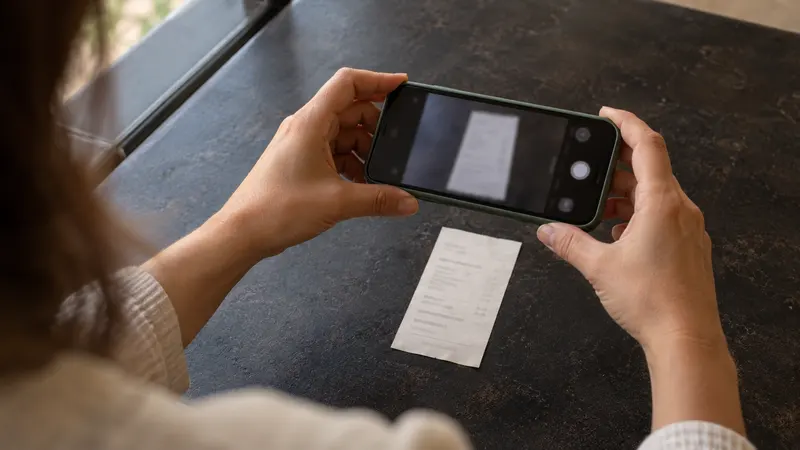
- Record or screenshot the settings before changing them
- Turn Wi-Fi off briefly and open a lightweight page
- Check the settings to see which line used data
- Inspect the selected line before a test call
- Restore Wi-Fi and check usage with your provider
The phone’s usage counter is a useful guide, but the carrier determines billing. Avoid testing with a large download and remember that account usage information may take time to update.
Keep troubleshooting reversible
Save the provider’s support and activation instructions. Do not delete an eSIM simply to see whether that helps: reinstalling it depends on the provider’s rules. If service fails, note the error message, phone model and affected line before seeking support.
At the end of your trip, review data selection, calling defaults and any plan renewals again. Your WhatsApp account number needs a separate check because it does not necessarily change with the line supplying internet access.